
Use official links only
Open the App only from dbinvesting.com, your Client Zone or your registered Introducing Broker. DB Investing will never ask for your password or card details in a private Telegram message.

Deposit your funds through the DB Investing Telegram Mini App. No separate browser portal and no extra download. Just open the Mini App in the messenger you already use and fund your account in a few taps.
How It Works
Funding your trading account should feel as simple as sending a message. The DB Investing Telegram App turns the deposit process into a short, guided flow that lives right inside your chats.
Step 01
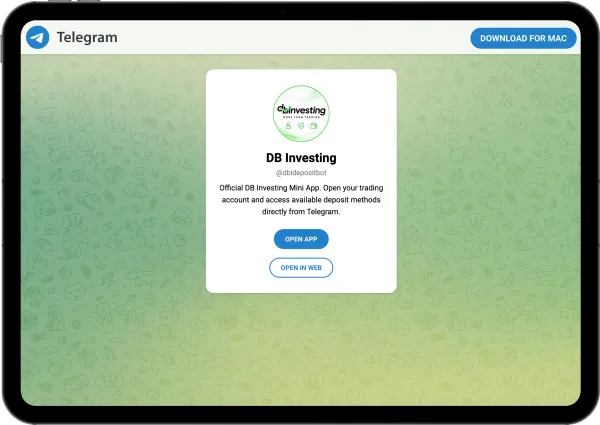
Tap the official DB Investing Telegram Mini App link from our website, your Client Zone or your Introducing Broker.
Step 02
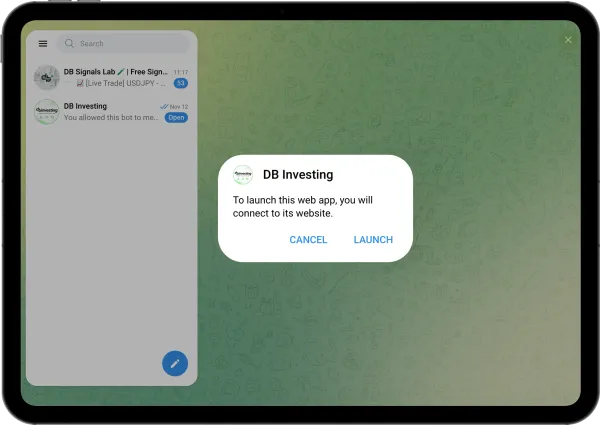
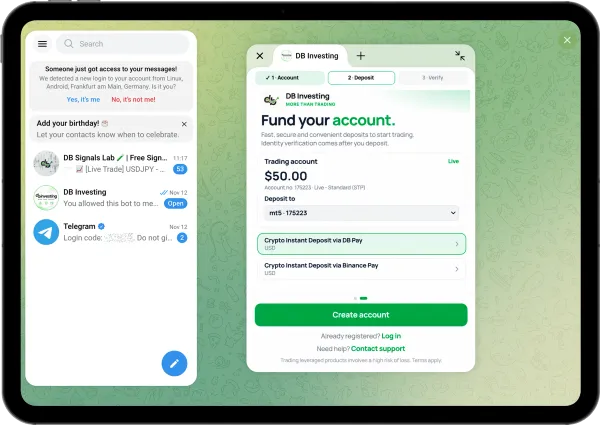
The Mini App opens inside Telegram. No app store, no installation and no switching between tabs.
Step 03
Choose a method, enter the amount, and follow the steps. Your money goes to your DB Investing account.
Why Use the DB Investing Telegram App?
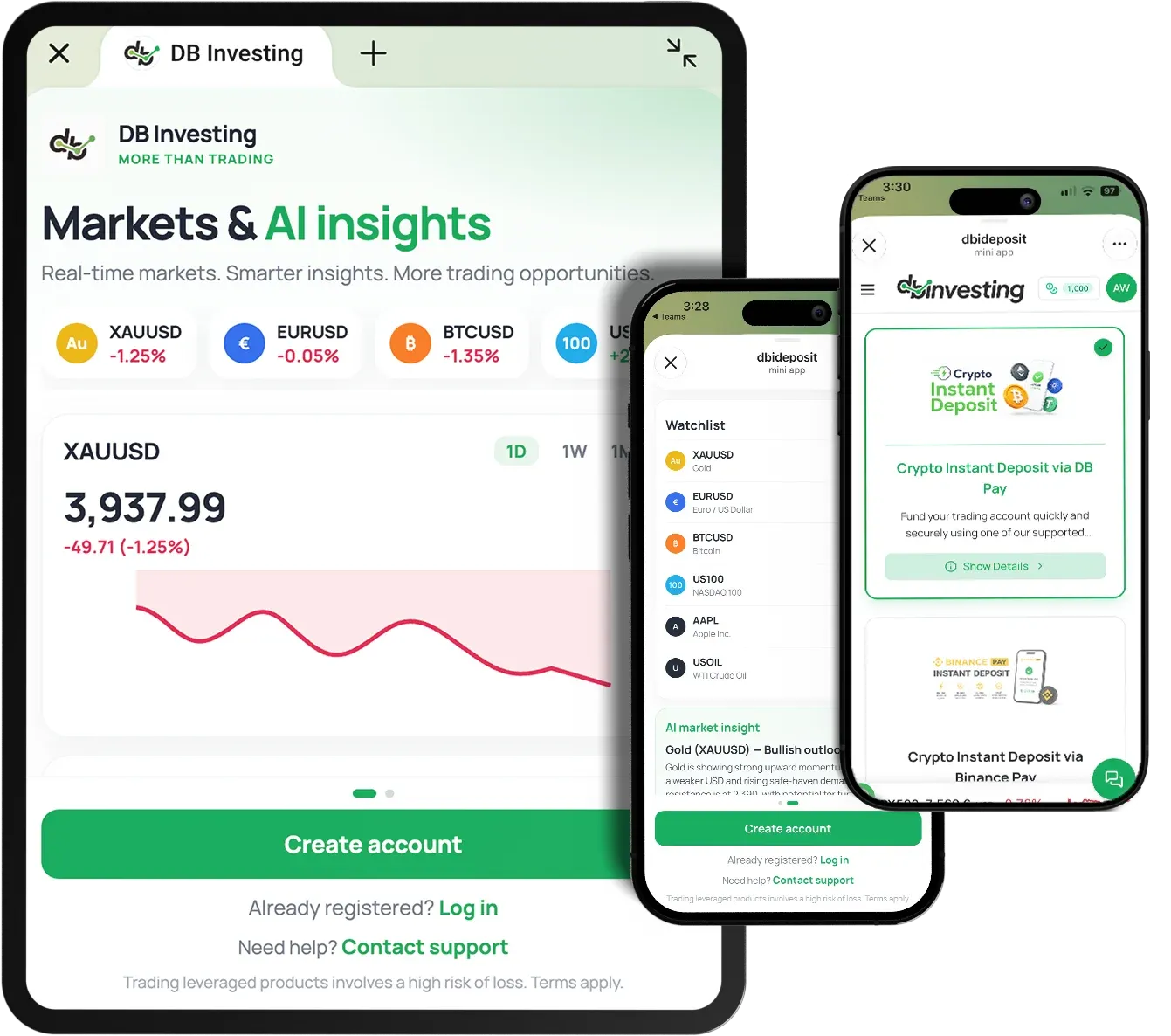
Markets don't wait, and neither should your funding. The DB Investing Telegram App adds a new way to deposit into your account, built around how traders already communicate, follow signals and act on opportunities.
Reach the deposit experience from the platform where you already follow market updates and trade ideas. A few taps from your chat list to your funding flow.
Designed for your phone from the ground up. Clear screens, large buttons and a clean layout make every step easy to read and complete on the go.
Step-by-step instructions walk you through the process, so you always know what to do next and can fund your account with confidence.
Complete Your Telegram Trading Setup
Once your account is funded, put your Telegram signals to work. DB Signal Sync connects the Telegram channels and groups you follow directly to your MetaTrader 5 account, closing the gap between reading a signal and placing the trade, under the risk rules you set.
For IBs and Partners
Your community already lives on Telegram. Now their deposit journey can too. With the DB Investing Telegram App, you can give your traders a single, official link that takes them straight to a guided deposit flow, without leaving the chat where they follow your insights.
How it works for IBs:
Find your DB Investing Telegram Mini App link in your IB/Partner area, as described in the official IB guide.
Post it in your Telegram channel or group, pin it, or send it directly to clients who need to fund their accounts.
They tap the link, launch the Mini App and follow the on-screen deposit steps.
Before You Deposit
The DB Investing Telegram App is an additional way into the same DB Investing deposit process you already use. A few simple checks keep every deposit smooth and secure.
Open the App only from dbinvesting.com, your Client Zone or your registered Introducing Broker. DB Investing will never ask for your password or card details in a private Telegram message.
The App is built for existing DB Investing clients. Make sure your account is open and verified before you start.
Review your chosen payment method, currency and amount on each screen before confirming.
Turn on Telegram's two-step verification to add an extra layer of protection to your Telegram account.
Deposits are just the start. The DB Investing Telegram Mini App will add new features in upcoming updates.
FAQs
It is a Telegram Mini App that gives DB Investing clients access to the deposit experience directly inside Telegram. It opens within the messenger, so there is nothing extra to install.
No. The Mini App runs inside Telegram. You only need the Telegram app and an existing DB Investing account.
It is designed for existing DB Investing clients. If you don't have an account yet, open one on dbinvesting.com first, then use the App to fund it.
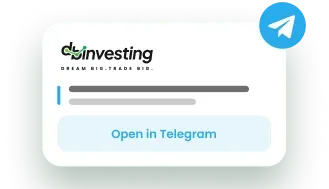
Tap the official "Open in Telegram" link on this page, in your Client Zone or shared by your Introducing Broker. The App launches in Telegram and guides you through each deposit step.
No. It is an additional access point. You can still deposit through Client Zone as usual and choose whichever option suits you best.
Yes. The Mini App connects you to DB Investing's official deposit process. For extra protection, only use official links and enable two-step verification on your Telegram account.
Get your Mini App link from your IB/Partner area and follow the official IB guide. You can then share it in your Telegram channel, group or direct messages.
Signal Sync is a separate DB Investing tool that connects the Telegram signal channels you choose to your MT5 account, under the sizing and risk rules you set. Fund your account in the Telegram App, then activate Signal Sync from the Signals page in Client Zone.
Fund your DB Investing account from the app you open every day. Launch the Mini App, follow the guided steps and get back to the markets.