One workspace
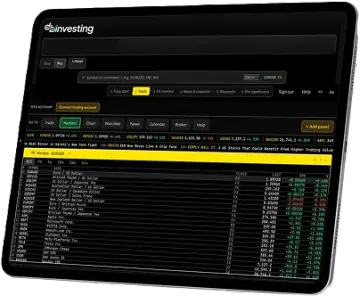
Quotes, charts, news and calendar side by side
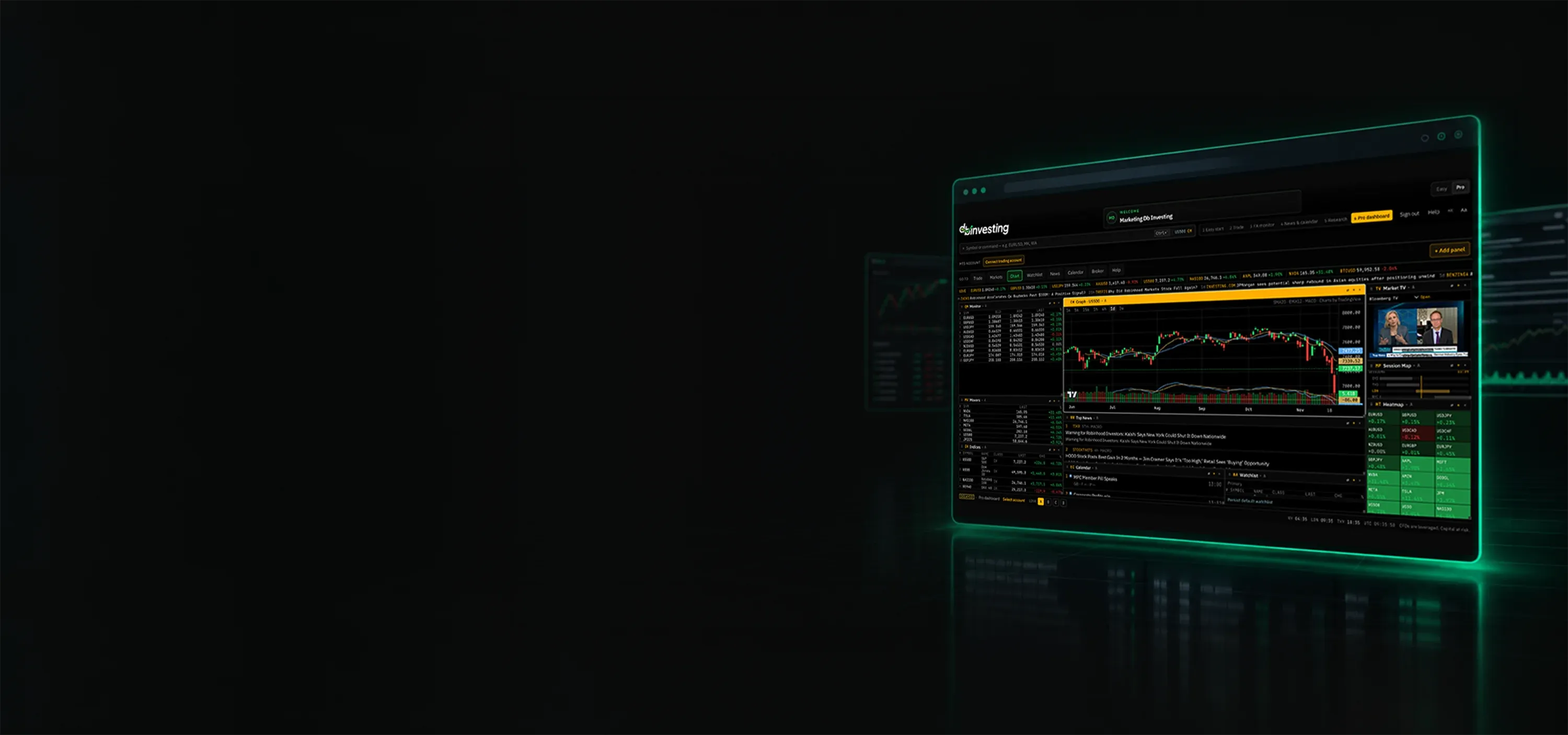
Explore markets, charts, news and economic events in one customisable workspace, with direct access to DB Investing's Client Zone and MT5 Web Terminal.
Complete Market Overview
Bring market monitoring, chart analysis and financial news into one organised workspace.
The DB Investing Trading Terminal is a professional, browser-based market intelligence workspace. It brings research, monitoring and trading access closer together, so you can follow the market in one place and move to DB Investing's trading ecosystem when you're ready.
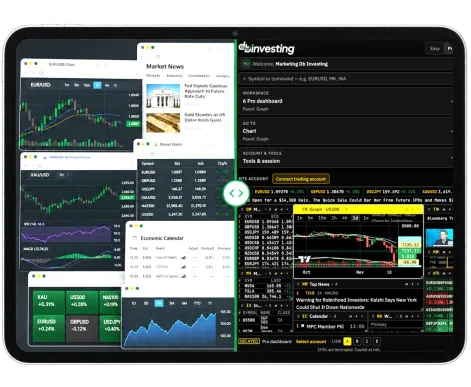
Quotes, charts, news and calendar side by side
Nothing to download or install
Access your Client Zone or MT5 Web Terminal.
Explore the Markets
A multi-asset market overview that shows you where to look first.
Follow bid, ask, last price and daily change across a curated range of FX pairs, indices, commodities, stocks and crypto.
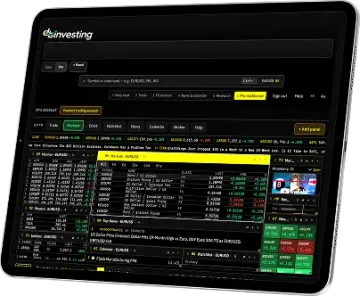
Spot the biggest gainers and decliners of the trading session across key markets and identify significant price movements at a glance.
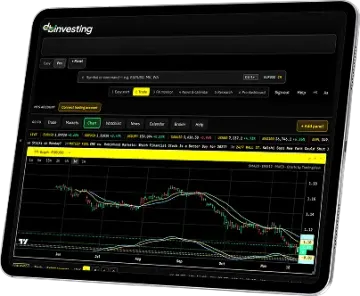
See market strength and weakness by colour, across currencies and instruments.
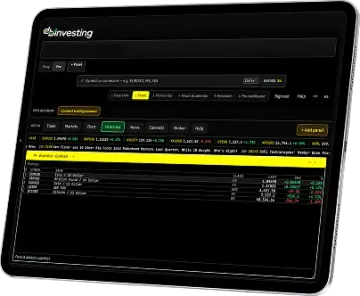
Compare major and cross currency pairs in one grid.
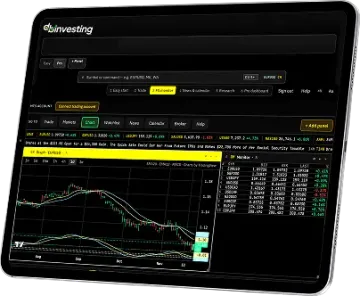
Track major global indices such as the US500 and US30 in a dedicated panel.
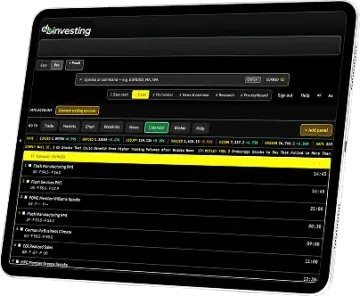
See which sessions are open, from Sydney and Tokyo to London and New York.
Charts & Intelligence
Move from market data to market context, with charts, news and events in the same view.
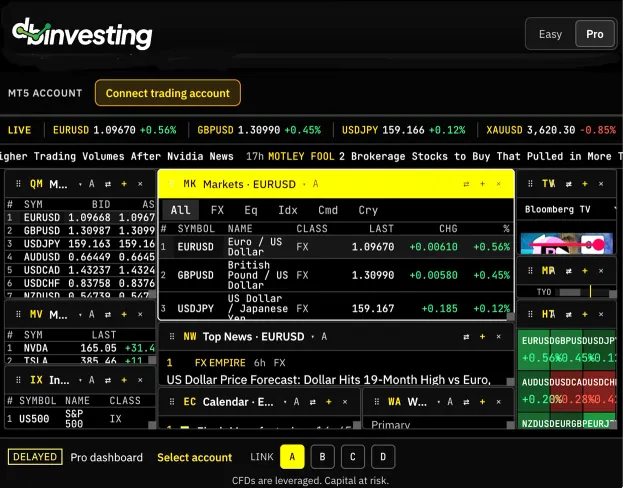
Explore price action across timeframes from 1 minute to 1 week.
Add indicators such as SMA, EMA and MACD to read trend and momentum.
Compare how different markets are moving against each other.
Follow headlines from multiple sources alongside the chart, so you see the story behind the move.
See upcoming events and releases that could move the markets you follow.
Personalisation
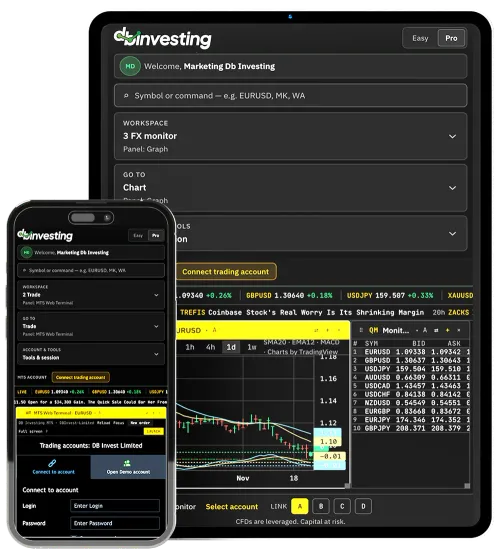
Arrange panels, switch themes and choose a layout that fits your market routine.
Add, move and resize panels to build your own market desk.
Start fast with layouts such as Easy start, Trade, FX monitor, News & calendar, Research and Pro dashboard.
Keep it simple while you learn, or open the full professional view.
Switch the look of your workspace to suit how you work.
Jump to symbols and commands from the command bar.
Keep the instruments you follow most within reach.
Markets to MT5
Explore market information in the Terminal, then access your DB Investing Client Zone or MT5 Web Terminal to trade.
Research
Monitor markets, study charts and follow the news and events that matter to you.
Trade
When you're ready, go to your Client Zone or the MT5 Web Terminal to place and manage trades.
The Terminal is a research workspace; order execution takes place through MT5.
FAQ
Everything you need to know about the DB Investing Trading Terminal.
It's a browser-based market workspace where you can follow multi-asset quotes, explore charts with technical indicators, read financial news and check the economic calendar in one customisable layout.
Yes, you can explore the Terminal's workspace and market panels from your browser. Some features may require you to sign in.
No. The Terminal is a research and monitoring workspace. To trade, you access your DB Investing Client Zone or the MT5 Web Terminal, where order execution takes place.
Not always. Market data in the Terminal may be delayed, so always check prices in MT5 before making a trading decision.
Yes. You can drag and arrange panels, switch themes, choose ready-made layouts and save watchlists to fit your market routine.
One workspace to follow markets, explore information and access DB Investing's trading ecosystem.