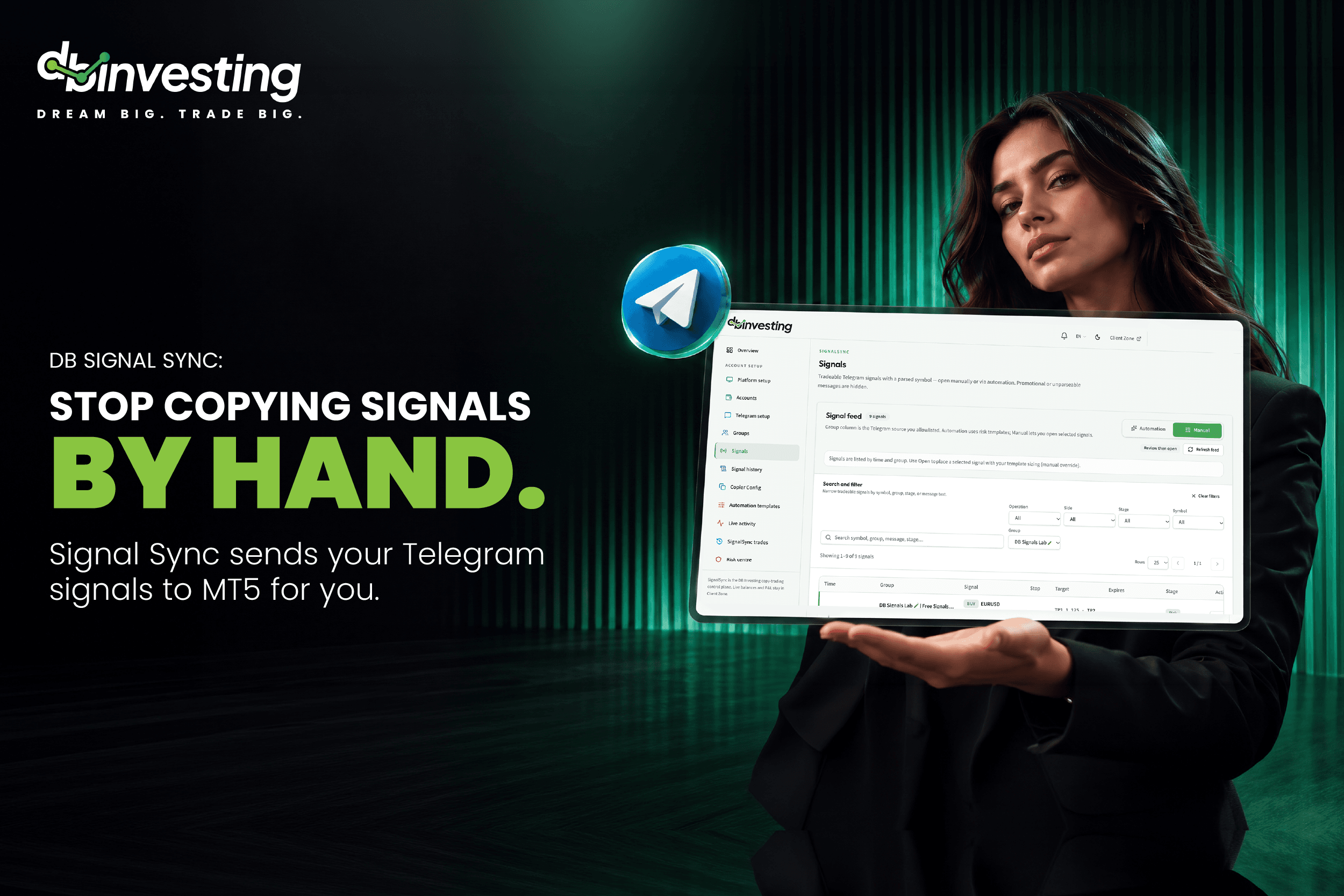
The Signal Is Only the Beginning
A signal lands on your Telegram channel. Symbol, direction, entry, stop loss, take profit, all there in seconds. But receiving a signal isn't the same as acting on it.
Between reading a message and placing a trade sit several manual steps:
- Opening MT5
- Finding the right symbol
- Entering the correct lot size
- Setting SL/TP
Every second spent on that gap is a second the market keeps moving. And it's worth remembering that signal received doesn't automatically mean trade required. The goal isn't just to execute faster. It's to execute faster on the trades you've already decided are worth taking.
Where Manual Execution Creates Friction
Most traders following signals hit the same points of friction:
- Switching platforms between Telegram and MT5, often on different devices
- Manually entering orders, with room for typos in symbol, size or direction
- Monitoring SL/TP updates, since providers often adjust levels mid-trade
Reacting to follow-up messages like "move SL to breakeven" or "close half position," which require catching the update and acting on it fast
What If the Gap Was Connected?
This is the problem Signal Sync was built to close. Instead of treating Telegram and MT5 as two separate steps you bridge yourself, Signal Sync connects them directly:
Telegram Message → Signal Sync → Safety Check → MT5
Automate Trades Without Giving Up Control
Closing the execution gap doesn't mean losing oversight. Signal Sync is built around configurable controls:
- Position sizing rules you set, not whatever the signal provider suggests
- Risk limits per account, so one bad signal can't oversize your exposure
- Allowed symbols and trading hours, so automation only acts within boundaries you define
- Take-profit rules that follow your configuration, not just the raw signal text
- An emergency stop, always available, that halts new automated orders immediately
Automation handles the execution, but you still set the rules it executes within.
Built In, Not Bolted On
Most Telegram-to-MT5 tools on the market ask you to install an Expert Advisor, rent a VPS to keep it running, operate a separate terminal, or hand your MT5 password to third-party software.
Signal Sync skips all of it:
- No EA to install or license
- No VPS subscription to maintain
- No separate desktop terminal
- No MT5 password shared with an external tool
From Signal to Execution, With Every Step Visible
Automation only earns trust when you can see what it's doing. Signal Sync shows:
- Live Activity, tracking each signal from intake to execution in real time
- Trading History, a full record of what was copied and when
- Rejection reasons, so when a signal doesn't execute, you know exactly why, not just that it didn't happen
Activate DB Signal Sync in 3 Steps
- Connect Telegram: From the Signals page in Client Zone, scan the QR code or sign in with your phone number to link your Telegram account.
- Choose your groups: Select the Telegram channels and groups you want Signal Sync to monitor, including DB Investing's own free and VIP signal channels.
- Review and automate: Return to Client Zone to see your live parsed signals. Trade them manually at first, or turn on automation once you've set your position sizing, risk limits and allowed symbols.
Explore Signal Sync Today
The gap between a signal and a trade is where most of the value gets lost, not in the signal itself, but in everything it takes to act on it in time.