New AI tools are launched every week. Each one brings a new interface, a new login and a new way of asking questions. For traders, that means more tabs, lost context and less time on the markets.
You've already learned how to work with ChatGPT. You know how to phrase a question and how to follow up. So why start again somewhere new?
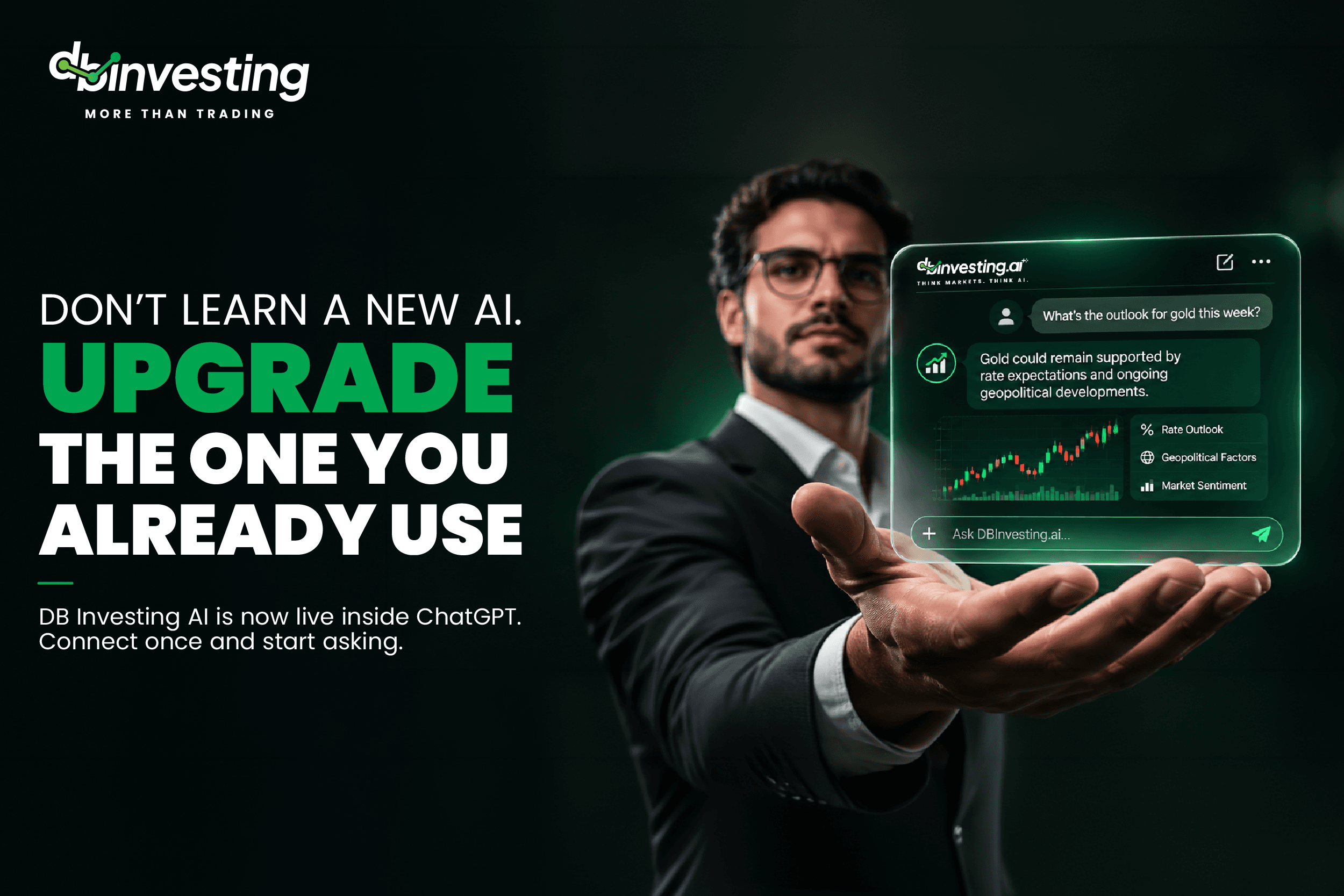
With the DB Investing AI plugin, you don't have to. DB Investing's AI trading tools now sit inside ChatGPT. Add it from the Apps directory, connect your account once and keep your market research in the conversation you already use.
What Is the DB Investing AI Plugin for ChatGPT?
The DB Investing AI plugin is an official integration that brings DB Investing AI into ChatGPT. It lets you explore markets, analyse instruments, draft trade plans and review your connected MT5 accounts in plain English, without leaving the chat.
It runs on the same engine behind dbinvesting.ai, DB Investing’s conversational trading workspace.AI trading with dbinvesting.ai
What Can You Do With DB Investing AI in ChatGPT?
Explore global markets: Get market summaries and sentiment across forex, indices, gold and other commodities.
Analyse instruments: Ask what moved a market, review the technical picture and follow up to go deeper.
Draft AI trade plans: Build a structured plan with entry, stop-loss, take-profit and position sizing based on your account equity.
Review your accounts: Summarise your connected MT5 accounts, open positions and overall open risk in one view.
Try prompts like:
- "What drove the US100 lower this morning?"
- "What's the technical picture on GBP/USD right now?"
- "Which of my open positions carries the most risk?"
How to Connect DB Investing AI to ChatGPT in 3 Steps
- Find the plugin: Open ChatGPT, go to Apps and search for "DB Investing AI".
- Connect once: Select it and sign in with your DB Investing credentials. You only do this once, during setup. Start asking: Mention DB Investing AI in your chat, or select it from the tools menu, and ask your first question.
- For security, you may occasionally be asked to reconnect.
What you need to get started: a DB Investing account, a ChatGPT account (availability depends on your plan and region) and, for account summaries and equity-based plans, a connected MT5 account.
Is It Safe to Connect Your Trading Account to ChatGPT?
- Secure sign-in: You connect through DB Investing's own login. Your password is never shared with ChatGPT.
- You choose to connect: Nothing is linked until you sign in and approve the connection.
- Disconnect any time: Remove the connection from ChatGPT's settings whenever you choose.
- No automatic trades: Nothing reaches your MT5 account without your review and approval.
The plugin also has clear limits. Responses are informational, not investment advice. AI responses can be incomplete or wrong, so check key figures before you act. CFDs are complex instruments and carry a high risk of losing money rapidly due to leverage.
Stop Switching. Start Asking.
You don't need to learn another AI tool to bring AI into your trading. Search "DB Investing AI" in ChatGPT, connect once and ask your first question.
For more market insights and trading guides, explore the DB Investing blog. AI Wealth Co Pilot.
Connect DB Investing AI in ChatGPT today