Review your trading account
Balance, equity, used margin, free margin, margin level, open positions, pending orders, floating P&L, symbols, prices, and displayed spreads — all queryable in plain language.

Already trading on MetaTrader 5? Connect AI directly to your existing MT5 account for market analysis, trade preparation, and account insights—without moving your funds or changing brokers.
Currently available for compatible MetaTrader 5 desktop installations on Windows. Compatibility may vary according to broker, server, account configuration, permissions, and jurisdiction.
1
MT5 desktop terminal
6+
Supported AI providers
0
Broker switching required
24/7
Market observation ready
1
MT5 desktop terminal
6+
Supported AI providers
0
Broker switching required
24/7
Market observation ready
1
MT5 desktop terminal
6+
Supported AI providers
0
Broker switching required
24/7
Market observation ready
1
MT5 desktop terminal
6+
Supported AI providers
0
Broker switching required
24/7
Market observation ready
Open access
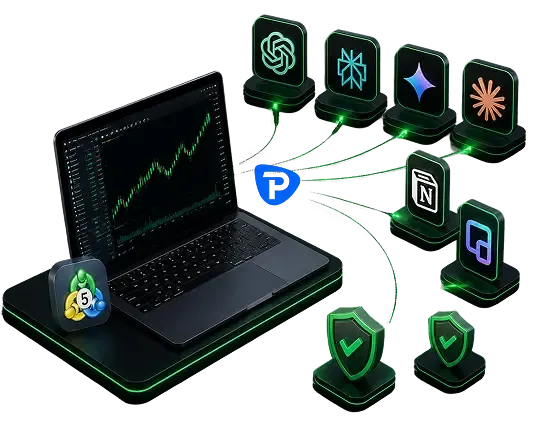
The Open AI Trading Assistant is not just for DB Investing trading accounts. Traders with a compatible MetaTrader 5 account at another broker can install the software and connect to their preferred supported AI provider. Add AI functionality to your current workflow without moving funds or replacing your existing brokerage account.
How it works
Open an account and download the installation package.
Install on a compatible MT5 desktop terminal (Windows).
Use your preferred AI provider with a compatible API key.
Ask about account info, market analysis, positions, or instructions.
Go over all AI-generated information independently.
Confirm any action manually before proceeding.
What you can do
Balance, equity, used margin, free margin, margin level, open positions, pending orders, floating P&L, symbols, prices, and displayed spreads — all queryable in plain language.
Request AI-driven analysis for your chosen instruments and timeframes, framed around what actually matters to your account.
Organise exposure across open positions, identify unrealised gains or losses, and assess potential margin sensitivity before you act.
Draft clear instructions with instrument, direction, volume, entry, stop-loss, take-profit, order type, and margin impact — ready for your review.
Trader control
The software retrieves account information, organises trading data, sends data to a user-selected AI provider, returns explanations, presents market observations, and prepares instructions for review.
However, it's important to note that the software doesn't guarantee accurate analysis, complete information, profitable decisions, suitable instructions, provider availability, or compatibility with all brokers and servers.
YOUR PREFFERED AI PROVIDER
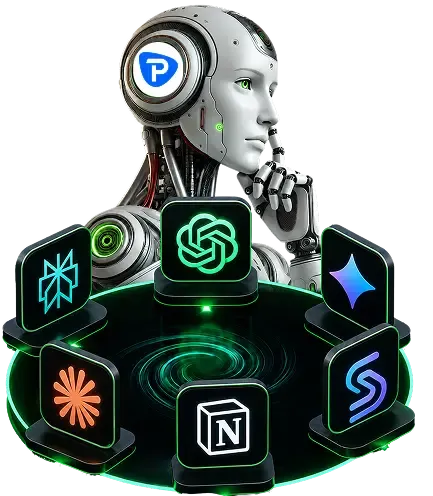
The Assistant uses a bring-your-own-AI model. Users may connect compatible API credentials from supported AI providers. Consumer chatbot subscriptions and developer API access may be separate services with separate costs and terms.
Compatibility
The Open AI Trading Assistant is designed for compatible MetaTrader 5 desktop environments offered by DB Investing and other brokers. Compatibility may depend on broker server configuration, Expert Advisor permissions, WebRequest permissions, symbol naming, account type, Windows settings, broker restrictions, and jurisdiction.
Before using the Assistant with a live trading account, users should test the installation and functionality in a demo environment.
Roadmap
MetaTrader 5 is the first open platform supported by the Open AI Trading Assistant. Support for MetaTrader 4, cTrader, additional desktop platforms, web-based platforms, mobile environments, and further integrations is planned. Future availability remains subject to development, testing, regulatory review, and official release.