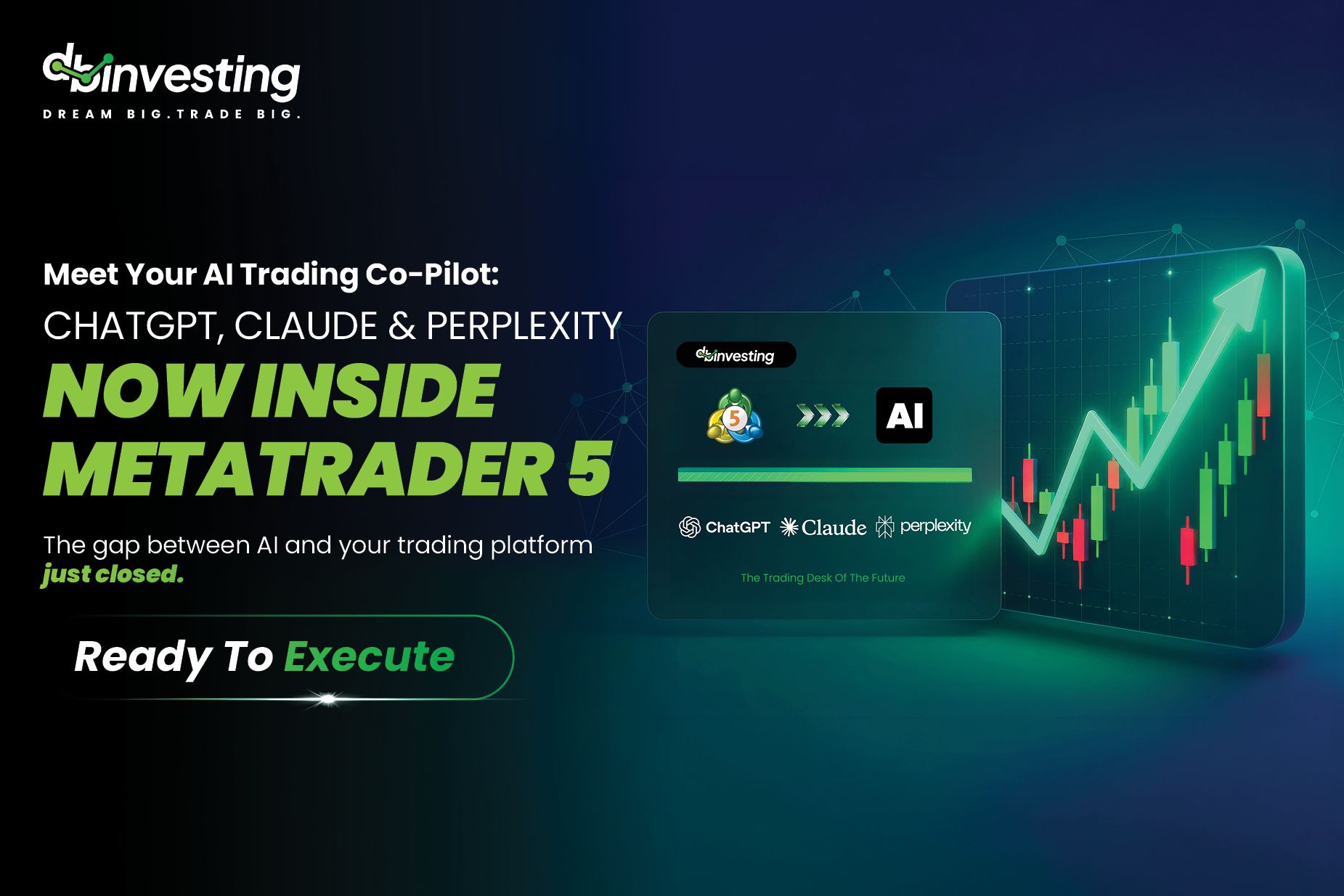
The Gap Between AI And Your Trading Platform Just Closed
Most traders already use AI somewhere in their day. They ask ChatGPT to summarize the news, lean on Claude to think through a thesis, or run Perplexity to research a pair. But there has always been a wall between that conversation and the place where trades actually happen: your MetaTrader 5 terminal. You analyze in one window, then switch to another to act.
The DB Invest MT5 AI Assistant v2.0 removes that wall. It brings your preferred AI model directly inside MetaTrader 5, so you can ask questions, read live account data, and prepare trades from a single on-chart panel — and confirm every action before it reaches the market.
What It Actually Does
The Assistant is a native MetaTrader 5 Expert Advisor (EA) that talks directly to AI services. It reads your live MT5 account data — balance, positions, prices — and sends it to your chosen AI alongside your message. The AI responds with analysis and, where relevant, a clear trade instruction. The EA then parses that instruction and offers to execute it, only after you approve.
In practice, that means you can type things like:
- "What is my account balance and margin level?" — for a full account summary.
- "Analyze EURUSD on H4 and give me a trade idea." — for AI market context built on live MT5 data.
- "Buy 0.05 EURUSD with a stop loss at 1.0750." — the order is prepared, and you confirm before it executes.
- "Close all my losing positions." — reviewed and confirmed before anything is sent.
You can also pull live spreads, request the last 50 candles of OHLCV data for an instrument, or close a specific position by ticket — all in plain English.
The Old Way Vs. The New Way (DB Invest Way)
Earlier approaches to "AI in trading" asked a lot of the user: install Python, run command-line scripts, configure an MCP server, edit JSON files, and juggle multiple windows. For most traders, that is a non-starter.
The old way: Install Python · Use command-line commands · Configure an MCP server · Edit JSON config files · Juggle multiple windows.
The new way (DB Invest Way) Copy 5 folders into MT5 · Attach the EA to a chart · Click the Settings gear · Choose your AI and paste your key · Start trading with AI.
No Python. No terminal. No JSON. You copy the plugin files into your MT5 data folder, attach the EA, choose a provider, paste an API key, and test the connection. Most traders are up and running in minutes.
Bring Your Own AI
The Assistant is model-agnostic. You connect your own API key from any one of the major providers — OpenAI (ChatGPT), Anthropic (Claude), or Perplexity — or point it at a custom, OpenAI-compatible endpoint. You only need one to start, and you can switch between them at any time from the settings panel without reinstalling anything.
This is a deliberate design choice: you stay in control of which model powers your analysis, and you can use the provider you already trust.
Built Around Confirmation And Control
AI is a powerful research and drafting partner, but it should never have the last word on your money. The Assistant is built around that principle. Every trade shows a confirmation dialog — you always have the final say. You can set a maximum volume per order so the AI can never exceed your chosen lot size. And your credentials stay where they belong.
On security: your API key is stored locally in your MT5 Files directory, never on a remote server. The EA makes secure HTTPS calls to your chosen AI provider, and your MT5 login credentials never leave your machine. You hold the key, you set the limits, and you approve every action.
Who It Is For
Two kinds of traders will feel immediately at home. AI-curious traders who want market analysis, account insights, and supervised execution through a simple conversational workflow — without touching code. And power users or developers who already work with OpenAI, Claude, or Perplexity and want a direct, native bridge into MT5.
Getting Started
To use the Assistant you need a DBInvesting MT5 account (demo or live), the MT5 terminal on Windows, an API key from at least one supported provider, and the DBInvest plugin files. From there it is copy, attach, connect, and confirm.
Ready to try it? Start with a demo account, download the MT5 AI Plugin, and connect the AI you already use. Learn more here